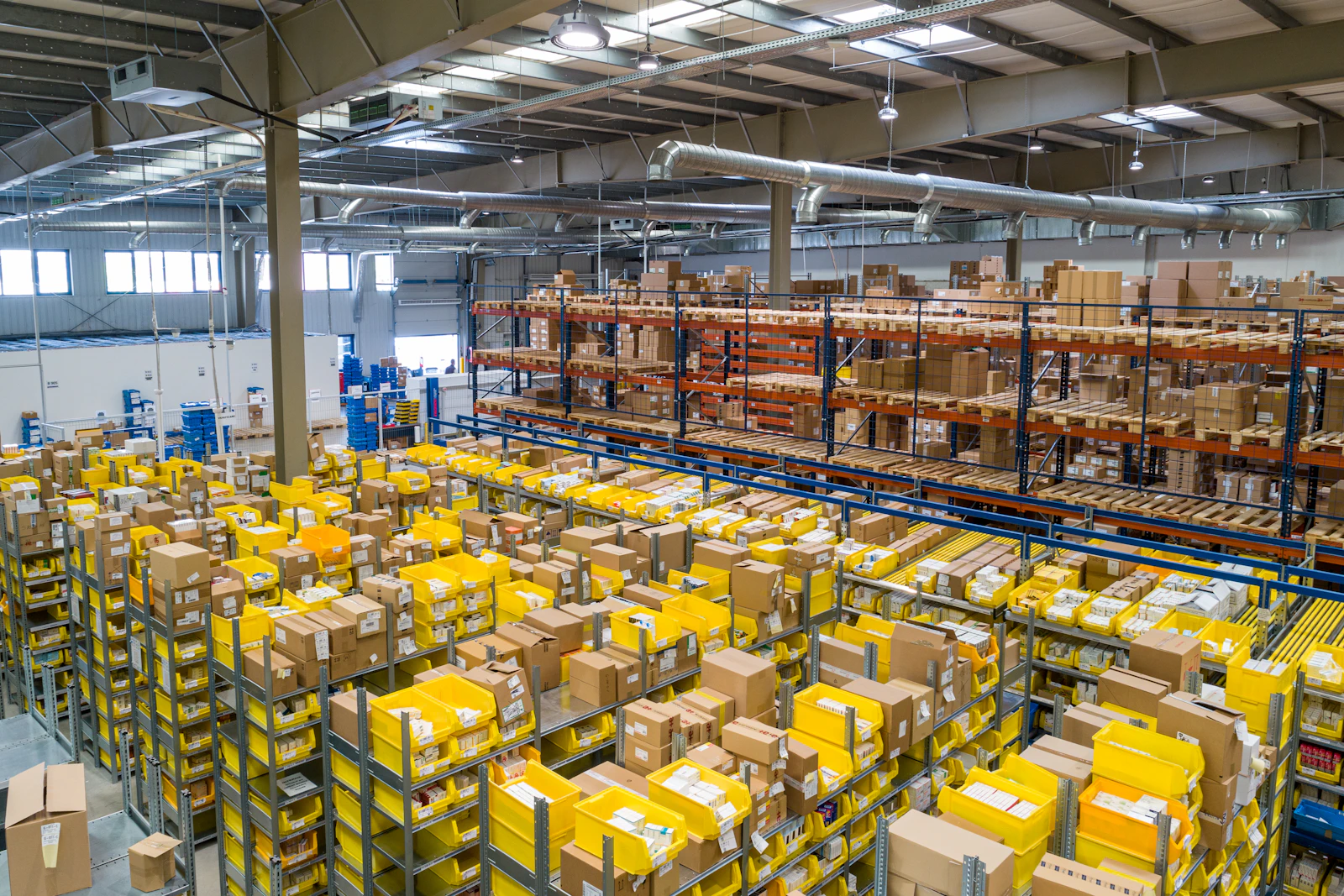
Inventory is often a small business's largest investment. Too much stock ties up cash; too little loses sales. Without a system, owners rely on memory, registers and periodic physical counts. Inventory software brings accuracy and visibility.
Signs You Need Inventory Software
- Stock in records does not match stock on shelves.
- Products run out unexpectedly.
- Slow-moving items pile up unnoticed.
- Multiple locations make stock hard to track.
- Online and offline sales draw from the same stock.
Features to Look For
Real-Time Stock Levels
Stock updates automatically with every purchase, sale, return and transfer.
Item Masters With Variants
Sizes, colours, units of measure and conversion between units, such as boxes and pieces.
Barcode Scanning
Faster billing, receiving and stock counting with fewer errors.
Batch, Lot and Expiry Tracking
Essential for food, pharma, chemicals and cosmetics.
Serial Number Tracking
For electronics and high-value items under warranty.
Multi-Location Stock
Warehouses, stores and branches, with stock transfers between them.
Reorder Levels and Alerts
Minimum stock levels that trigger reminders to reorder.
Purchase Management
Purchase orders, goods receipt and vendor tracking.
Stock Valuation
Valuation methods such as FIFO or weighted average, with GST-aware reporting.
Reports
- Stock summary by item, category and location.
- Fast-moving and slow-moving items.
- Ageing and dead stock.
- Stock movement history.
Integration
Sync with billing, accounting, e-commerce stores and marketplaces.
"You cannot manage what you cannot see. Inventory software makes stock visible."
Getting Started
- Clean up item names and codes.
- Do a full physical count before going live.
- Set reorder levels for key items.
- Train staff to record every movement.
- Review stock reports weekly.
Standalone or Part of ERP?
Small businesses can start with inventory and billing. As operations grow, inventory often becomes part of a broader ERP covering purchase, production and accounts.
Common Questions
How often should we do a physical stock count? Many businesses do a full count yearly and cycle counts of selected items weekly or monthly. Frequent cycle counts catch errors early without stopping operations.
What is dead stock, and how do we reduce it? Dead stock is inventory that has not moved for a long time. Ageing reports help you spot it early, so you can run offers, return it to suppliers or stop reordering it.
Can inventory software work with our online store? Yes. Integration keeps online stock in sync with your warehouse or shop, preventing orders for items that are out of stock.
How do we set reorder levels? Base them on average daily sales, supplier lead time and a safety buffer. Review them regularly, especially before festive seasons when demand changes.
What if staff do not record stock movements? The system is only as accurate as its entries. Barcode scanning, simple screens and clear responsibilities make recording faster and more reliable.
How ITELLIC Helps
We build inventory and ERP systems for Indian businesses, and our e-commerce platform includes real-time stock across warehouses. We help you choose a setup that fits your size today and scales later.
Custom ERP Systems
One system for purchase, production, inventory, sales and accounts.