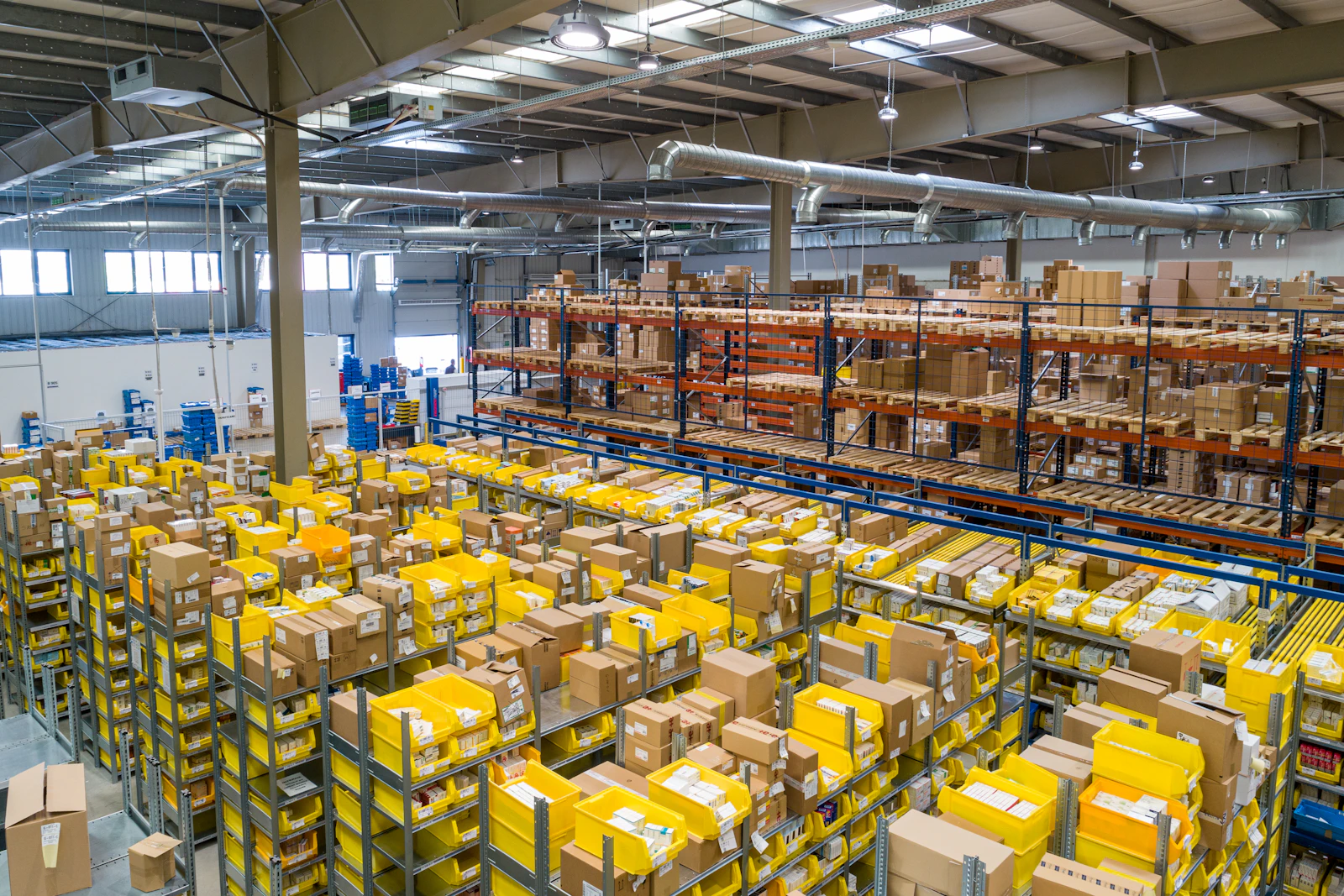
Indian manufacturers often run on a mix of Tally, Excel sheets, WhatsApp groups and experienced supervisors who keep everything in their heads. It works until the business grows: more products, more customers, more plants and tighter margins. Then delays, stock mismatches and unclear costs start to hurt.
A manufacturing ERP brings these processes into one system so everyone works from the same data.
Core Modules for Manufacturers
Bill of Materials (BOM)
Defines the raw materials, components and quantities for each product, including multi-level BOMs for sub-assemblies.
Production Planning and Work Orders
Plans what to produce, when and on which line, and tracks work orders through each stage.
Material Requirement Planning (MRP)
Calculates what to purchase and when, based on orders, BOMs and current stock, so you avoid both shortages and excess inventory.
Inventory and Warehousing
Tracks raw material, work-in-progress and finished goods across stores and plants, with batch, lot or serial numbers where needed.
Purchase
Purchase requisitions, approvals, purchase orders, goods receipt and vendor performance.
Job Work
Many Indian manufacturers send material to job workers for processes like machining, plating or stitching. The ERP should track material sent, received and pending at each job worker, and support the related GST documentation.
Quality Control
Incoming, in-process and final inspection, with rejection and rework tracking.
Sales and Dispatch
Quotations, sales orders, dispatch planning, e-invoices and e-way bills.
Costing and Reports
Product-wise costing, margins, production efficiency and management dashboards.
Maintenance
Preventive maintenance schedules for machines to reduce breakdowns.
Which Modules to Start With
Do not try to implement everything at once. Start with the area causing the most pain:
- Stock mismatches: inventory and purchase first.
- Delivery delays: production planning and work orders.
- Unknown margins: BOM and costing.
- Job work losses: job work tracking.
Add modules in phases once the first ones are stable.
Cost Considerations
Manufacturing ERP costs depend on the number of modules, plants, users and integrations, and on whether you choose ready-made, open-source or custom ERP. Custom systems typically involve a higher upfront investment but no per-user licences. Compare total cost over several years, not only the first-year price.
"ERP does not fix a broken process. It makes a good process visible, repeatable and measurable."
A Practical Rollout Plan
- Process mapping: document how each department works today.
- Master data cleanup: items, BOMs, vendors, customers and opening stock.
- Configuration or development of the first modules.
- Pilot with one department or line.
- Training for supervisors and operators, including on mobile or tablet screens on the shop floor.
- Go-live with support on site or on call.
- Review after a month and fix gaps before the next phase.
Shop Floor Adoption
Operators and supervisors are busy. Keep data entry simple: barcode scanning, tablets at workstations, and only the fields that matter. When the shop floor sees that the system reduces their follow-ups, adoption follows.
Integration With Existing Tools
Many manufacturers keep accounting in Tally. The ERP can send sales, purchase and payment data to accounting software so your finance team continues with familiar tools.
How ITELLIC Helps Manufacturers
We build custom ERP systems around how your factory actually works: BOMs, production, job work, inventory, quality and dispatch. We start with process mapping and roll out module by module.
Custom ERP Systems
One system for purchase, production, inventory, sales and accounts.